WhatsApp HD Photo Trick: Send Images in Full Quality Without Losing Clarity
WhatsApp compresses photos by default which reduces clarity but users can now enable HD settings or use simple tricks to send images and videos in original high quality without losing details easily.

WhatsApp is one of the most widely used messaging apps in the world, and millions of users share photos and videos every day. But a common complaint among users is that images often lose their sharpness after being sent. This happens because WhatsApp automatically compresses media files to reduce data usage and speed up delivery. While this helps in faster sharing, it often affects the original quality of photos and videos.
The good news is that WhatsApp now offers an HD media option that allows users to send clearer and sharper images. Even better, users can set HD quality as a default option so that every photo or video they send maintains better clarity without needing to change settings repeatedly.
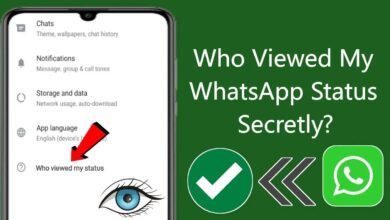
To enable permanent HD media sharing, users need to open WhatsApp and go to the settings menu. From there, they should navigate to the Storage and Data section where they will find the Media Upload Quality option. Inside this setting, WhatsApp provides two choices: Standard Quality and HD Quality. Selecting HD Quality ensures that future media files are automatically sent in higher resolution.
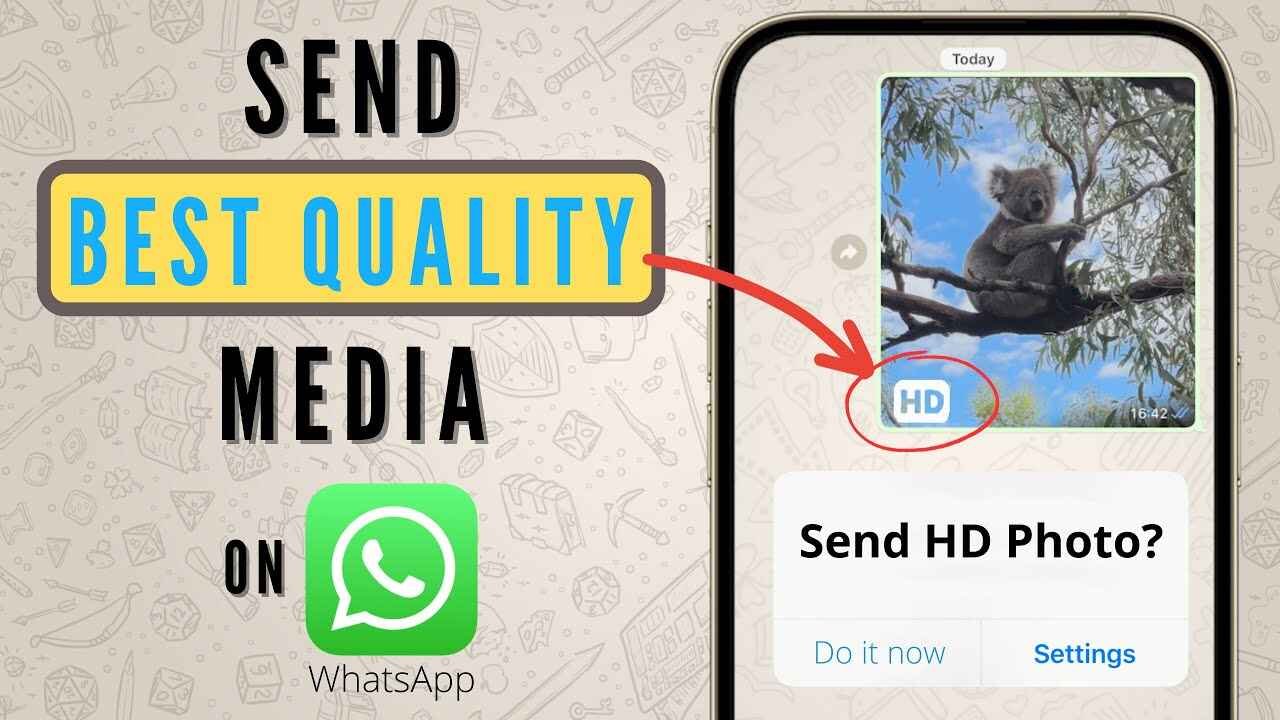
For users who prefer enabling HD only when needed, WhatsApp also allows manual selection during each chat. When a photo or video is chosen for sharing, an HD icon appears on the preview screen. By tapping this icon and selecting HD Quality, users can upgrade the media before sending it.


There are a few important things to keep in mind while using HD sharing. High quality media consumes more internet data compared to standard uploads, and it may also take slightly longer to send large files. In some cases, if the receiver is using an older version of WhatsApp, compatibility may affect how the media is displayed. Even in HD mode, a small level of compression may still be applied by the app.
For those who want completely original quality without any compression, WhatsApp also offers another useful method. Users can send photos as documents instead of regular media files. By opening a chat, tapping the attachment icon, selecting the Document option, and choosing the image file, the photo is sent in its original form. This method preserves full quality since WhatsApp does not compress document files.
With these simple options, users can now take full control of their media quality on WhatsApp and ensure that important photos and videos are shared exactly as they were captured.