

How to Use Two WhatsApp Numbers on One Phone Without Installing Another App
WhatsApp now allows Android and iPhone users to manage two separate mobile numbers within a single app making personal and work conversations easier without carrying multiple smartphones every day.

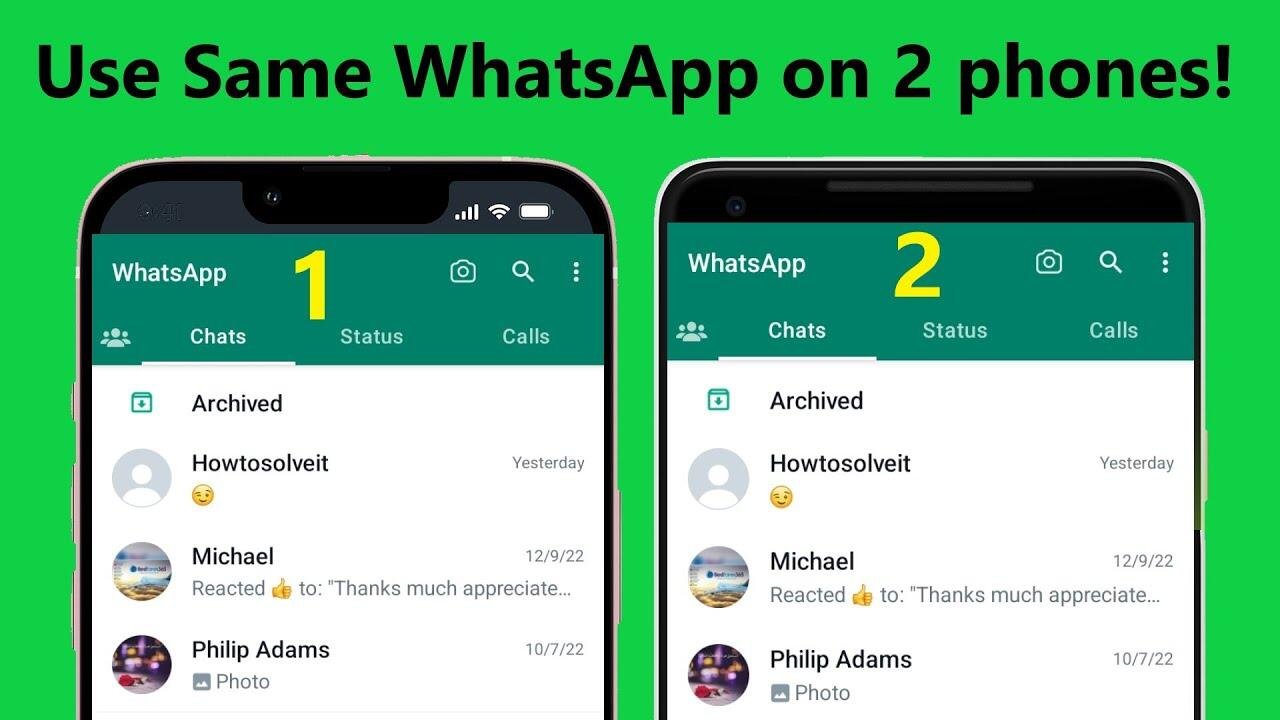
Managing separate personal and professional conversations has become much easier for smartphone users. WhatsApp now supports two different accounts within the same application on both Android and iPhone, allowing users to switch between mobile numbers without installing an additional messaging app or carrying two devices.
The feature is especially useful for people who maintain one number for family and friends and another for work or business. Instead of logging in and out repeatedly or relying on a second phone, users can now keep both accounts active inside a single WhatsApp app.
One of the biggest advantages is that each account remains completely independent. Profile photos, chat history, privacy preferences, backups, notifications, and account settings stay separate, reducing confusion between personal and professional conversations while making account management much more convenient.
Before adding a second account, users should ensure they have another active mobile number. The number can be linked to either a physical SIM card or an eSIM, but it must be capable of receiving the verification OTP. It is also important to update WhatsApp to the latest available version, as older versions may not display the feature.


Android users can set up a second account by opening WhatsApp and navigating to the Settings menu. Tap the arrow next to the profile name at the top of the screen and choose the Add Account option. Enter the second mobile number, complete OTP verification, and finish the setup by selecting a profile name and photo. Once completed, switching between the two accounts takes only a few seconds.
The process on iPhone is almost identical. Open WhatsApp, go to Settings, tap the arrow beside your profile, choose Add Account, enter the second mobile number, verify it using the OTP, and complete the setup. Both accounts will then be available inside the same application, allowing users to move between them whenever needed.
The feature has been designed to keep each account completely separate. Messages, calls, notification settings, profile information, and privacy controls remain unique to each account, making it easier to organize communication without mixing work and personal chats.
If the Add Account option is missing from your device, the first step is to update WhatsApp through the Google Play Store or Apple App Store. In some cases, the feature may be rolled out gradually, so users might need to wait for it to become available after updating the application.
With support for two accounts in a single app, WhatsApp has simplified communication for millions of users who juggle multiple mobile numbers. The update eliminates the need for extra devices or separate messaging apps while offering a seamless way to manage different aspects of everyday life.