How Removing Bloatware Can Boost Your Phone Speed and Performance
Unused pre installed apps often slow down smartphones by consuming storage and running in background, but removing or disabling them can significantly improve speed battery life and overall user experience

Many smartphone users notice that their device slows down over time, even if it was fast when first unboxed. One of the most common reasons behind this gradual drop in performance is bloatware, a term used for pre installed apps that often go unused but continue to occupy space and resources.
Bloatware typically comes bundled by manufacturers, carriers, or software providers. These apps are designed for promotions, additional services, or partnerships, but for most users, they add little real value. Instead, they quietly run in the background, consume storage, send notifications, and sometimes impact battery life and overall speed.
Fortunately, users are not entirely stuck with these apps. In many cases, removing or disabling them can help restore a smoother experience. The process is simple and can make a noticeable difference, especially on budget or older devices.
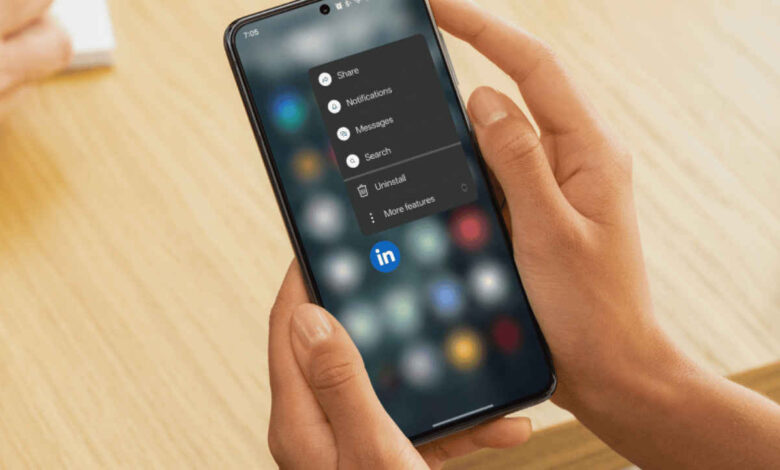
To uninstall removable apps, users can head into the phone settings and open the apps section. From there, selecting the full list of installed applications reveals which apps are taking up space. Tapping on an unwanted app usually provides an uninstall option. Once removed, restarting the device helps clear any leftover background processes, allowing the system to run more efficiently.


However, not all pre installed apps can be completely removed. Some are tied to the system and are locked by default. In such cases, disabling them is the next best option. Disabling an app stops it from running, prevents updates, and removes it from the app drawer, effectively reducing its impact on performance.
To disable these apps, users can follow a similar path through settings, locate the app, and select the disable option. After confirmation, the app will no longer run in the background, which can lead to improved battery life and smoother performance.
While bloatware may seem harmless at first glance, it often plays a bigger role in slowing down devices than many users realize. Taking a few minutes to clean up unnecessary apps can free up resources and make a phone feel faster and more responsive again.
In an era where smartphones are expected to handle multitasking, gaming, and media consumption seamlessly, managing unused apps is a simple yet effective way to keep performance in check.