Coin on WiFi Router Trick Debunked Experts Warn Against Viral Internet Speed Myth
Viral claim suggests placing a coin on WiFi router boosts speed but experts say it is baseless and risky recommending proper placement and setup instead for better signal performance

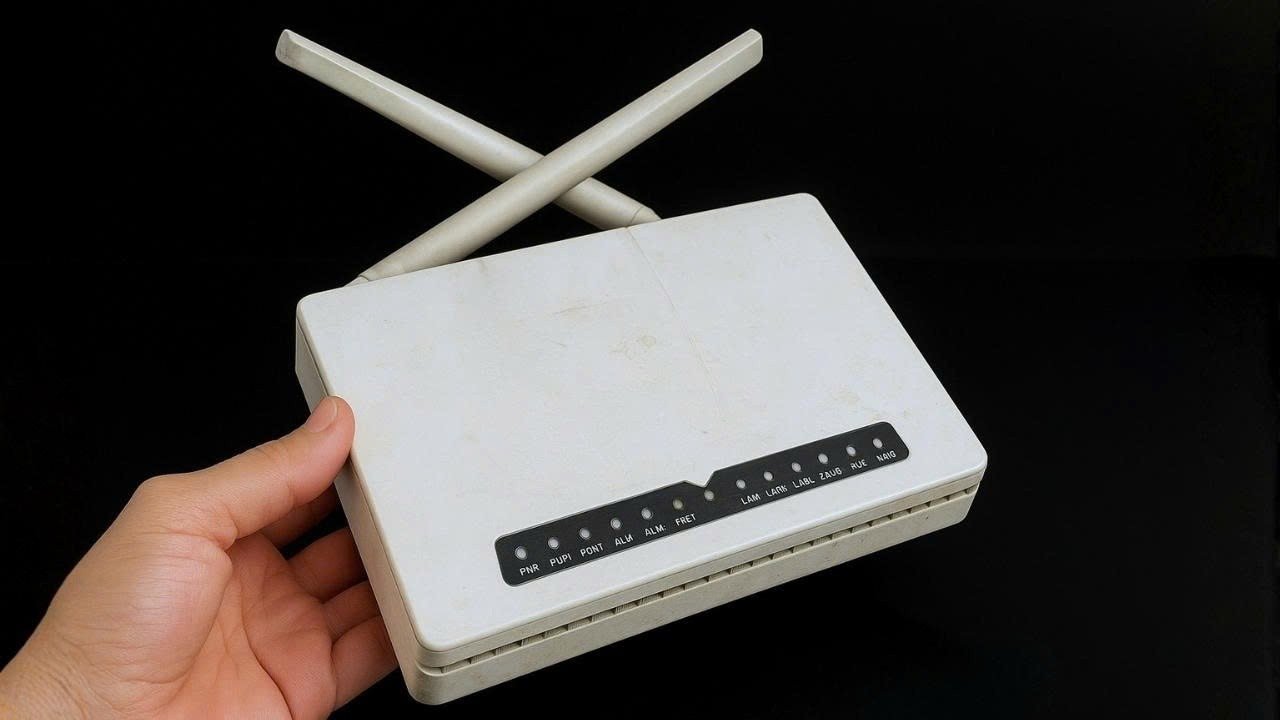
A widely shared social media claim suggesting that placing a coin on top of a WiFi router can boost internet speed has caught the attention of users, but experts say the idea has no scientific backing. Despite its popularity online, engineers and tech specialists warn that such tricks can be misleading and, in some cases, even harmful to devices.
The belief likely gained traction because it sounds simple and requires no technical effort or expense. Many users who tried it reported better speeds, but specialists point out that these improvements are usually coincidental. Internet performance naturally fluctuates due to network load, signal interference or service provider issues, not because of a coin placed on hardware.
From a technical standpoint, the claim does not hold up. WiFi routers operate on specific frequency bands such as 2.4 GHz and 5 GHz, using carefully designed antennas to transmit signals efficiently. A coin, being just a random piece of metal, has neither the structure nor the connection required to influence these signals. It cannot amplify, redirect or stabilize wireless transmission in any meaningful way.
There are also concerns about potential risks. Placing objects on a router may block ventilation, leading to overheating over time. Heat buildup can reduce performance and even shorten the lifespan of the device. Experts advise keeping routers clear and well ventilated to ensure consistent functioning.


Interestingly, the myth continues to circulate because of common misconceptions. Some believe the coin acts like a mini antenna or reflector, while others think it helps cool the device. Neither explanation is accurate. At best, a coin might add a bit of weight to keep a lightweight router from moving, but it has no connection to signal strength or speed.
For those looking to genuinely improve their internet performance, professionals recommend practical steps such as placing the router in a central and elevated position, keeping it away from walls and electronic interference, and ensuring firmware is up to date. In the end, reliable connectivity depends on proper setup and quality equipment, not quick fixes that lack scientific support.