How to Switch Between WhatsApp Accounts on iPhone and Android Phones Easily
WhatsApp now allows users to manage multiple accounts on a single device, making it simple to switch between numbers on iPhone and Android without logging out or losing chats or data access.

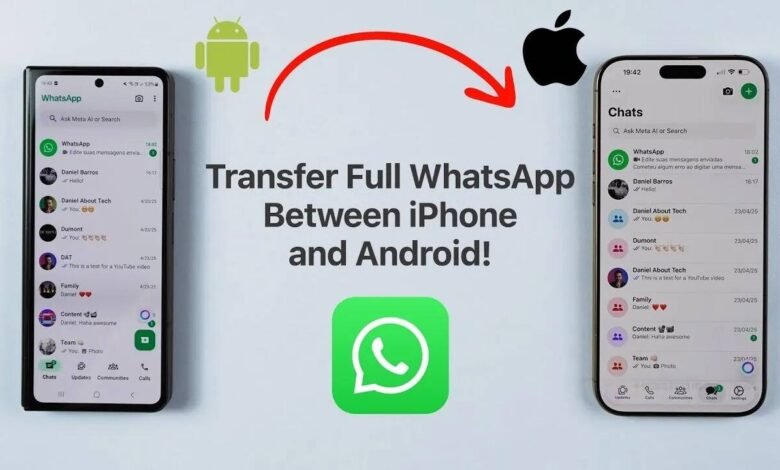
Managing multiple WhatsApp accounts on one phone has become much easier as the app now supports multi account functionality on both iPhone and Android devices. Users can add different phone numbers on the same app and switch between them without the need to log out, making communication more flexible for personal and professional use.
The feature was first introduced on Android devices and later expanded to iPhone users, allowing people to handle two separate accounts on a single device. This update has made it convenient for users who maintain different numbers or SIM cards for work and personal communication.
On iPhone, switching between WhatsApp accounts is a simple process. Users need to open WhatsApp and go to the settings section. From there, tapping on the profile name reveals the available accounts. Users can then select the second account and switch to it instantly. In some cases, if the second account does not appear, restarting the device or switching between mobile data and Wi Fi can help refresh the connection.
To add a new account on iPhone, users need to open settings again and tap the plus icon next to their profile name. After selecting add account, they must agree to the terms and conditions, enter the phone number and complete the verification process. Once done, the new account becomes active and ready to use within the same app.


On Android phones, the process is also straightforward. Users need to open WhatsApp and tap on the menu option represented by three vertical dots. From there, selecting switch account allows them to move between linked WhatsApp profiles easily.
It is important to note that WhatsApp currently supports up to two accounts on a single device. Even when users are not actively using one account, messages will continue to arrive on both. However, to read messages or check call history, users need to switch to the respective account.
If users face issues while adding a second account on Android, restarting the phone is often recommended as the first step. In some cases, switching between Wi Fi and mobile data can help resolve connectivity issues. Ensuring that the latest version of WhatsApp is installed is also essential for smooth functionality.
Experts say the multi account feature is especially useful for people who manage business and personal communication separately. It reduces the need to carry multiple phones and helps users stay organized within a single application.
With this update, WhatsApp continues to evolve as a more flexible messaging platform, offering users better control over their communication without adding complexity to their daily usage.