How Gmail’s Undo Send Feature Can Save You From an Email Mistake
A wrongly sent email can create embarrassing situations, but Gmail offers a simple Undo Send feature that gives users a short window to recall messages instantly

Sending an email to the wrong person, attaching the wrong file, or hitting send before completing your message can happen to anyone. In a world where email is a key part of professional and personal communication, even a small mistake can lead to awkward situations. Fortunately, Gmail offers a built in solution that can help users avoid unnecessary trouble.
Many people are unaware that Gmail includes an Undo Send feature designed specifically for moments of panic after clicking the send button. Instead of delivering an email immediately, Gmail briefly delays the process, allowing users a chance to stop the message before it reaches the recipient.
The feature has become increasingly valuable for office workers, students, and professionals who regularly exchange important information through email. Whether it is an incomplete message, an incorrect attachment, or an accidental recipient, the Undo Send option provides a second chance to correct the mistake.
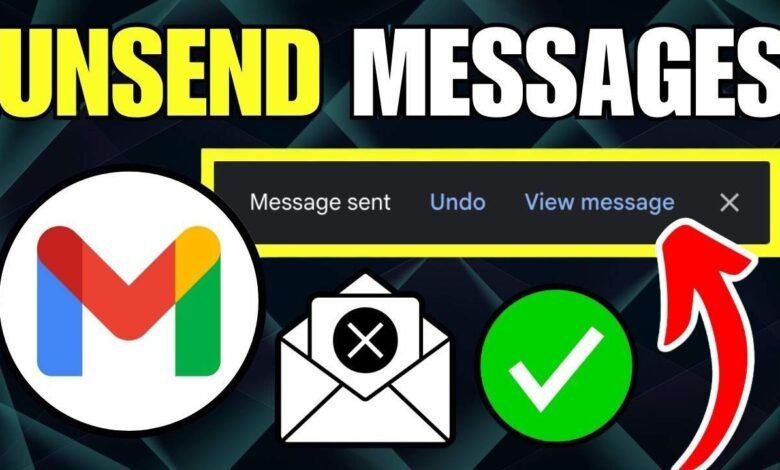
When a user presses the send button, Gmail temporarily holds the email for a few seconds rather than dispatching it instantly. During this brief period, an Undo option appears on the screen. Clicking or tapping that option immediately cancels the sending process and returns the message to draft mode, where it can be edited, corrected, or deleted.


One of the most useful aspects of this feature is that users can customize the amount of time available to recall a message. By adjusting Gmail settings, the cancellation window can be extended, giving users more time to spot errors before the email is permanently delivered.
To change this setting, users can open Gmail, access the settings menu, and select the option to view all settings. Under the Undo Send section, Gmail allows users to choose a cancellation period of 5, 10, 20, or 30 seconds. Many experts recommend selecting the maximum 30 second option to provide the greatest opportunity to catch mistakes.
The feature is not limited to desktop users. Gmail mobile app users can also take advantage of the same protection. After sending an email from a smartphone, an Undo option briefly appears at the bottom of the screen. A quick tap on this button will stop the email from being delivered and return it for editing.
While the feature is highly effective, it does come with limitations. The recall option is available only for the selected cancellation period. Once that window expires, the email is sent permanently and can no longer be withdrawn through Gmail. This means users must act quickly if they realize they have made an error.
Experts also advise users to develop the habit of reviewing recipient addresses, attachments, and message content before pressing send. Although the Undo Send feature provides a safety net, careful checking remains the best way to avoid communication mistakes.
As email continues to play a central role in daily life, tools like Undo Send offer a simple but powerful layer of protection. For anyone who has ever regretted sending a message too quickly, this little known Gmail feature can be a lifesaver and prevent unnecessary embarrassment in both personal and professional conversations.