

How to Update Aadhaar Address Online Without Visiting a Service Centre
Changing the address in Aadhaar is now easier than ever as users can complete the entire process online through the Aadhaar app without visiting any enrolment centre.

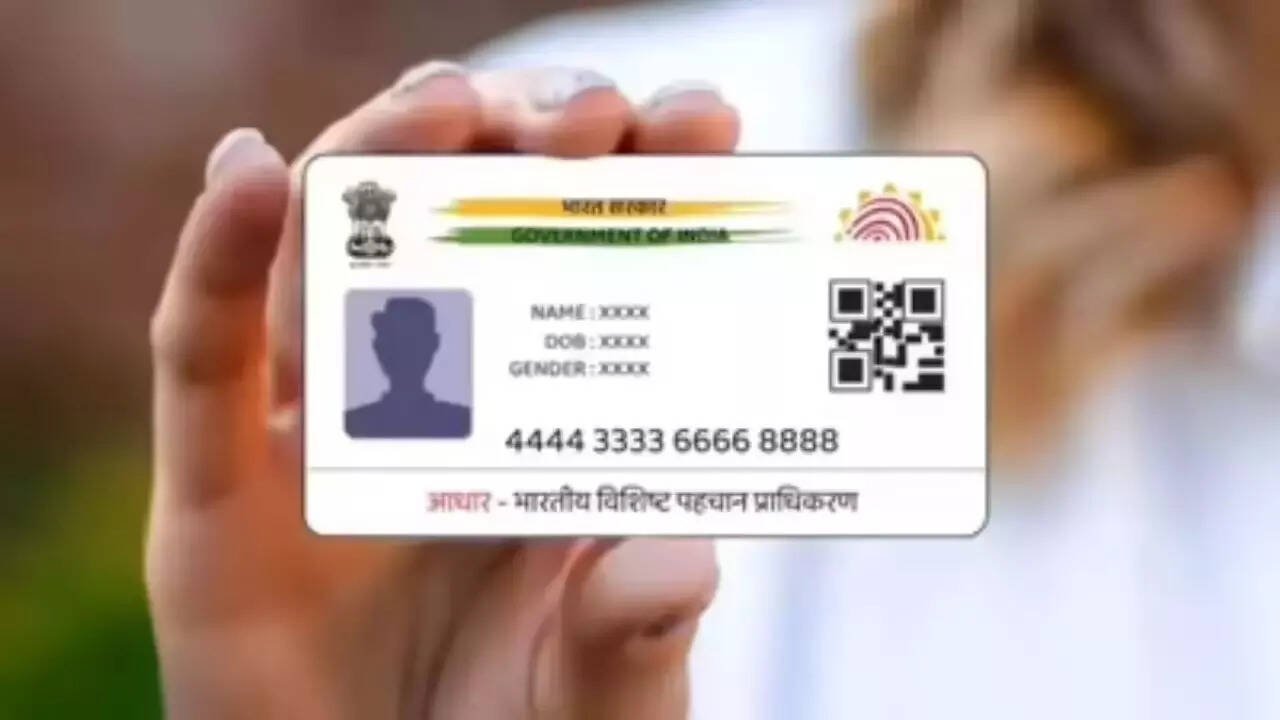
Updating the address on an Aadhaar card has become a much simpler process thanks to digital services introduced by the authorities. People who have recently shifted to a new home no longer need to spend hours visiting an Aadhaar centre, standing in long queues, or dealing with extensive paperwork. With the Aadhaar mobile application, address changes can now be completed from the comfort of home using a smartphone.
For many citizens, updating personal details on official documents often gets delayed because of the time and effort involved. The online address update facility is designed to remove those obstacles and make the process more convenient. Users can submit the request digitally, verify their identity, and complete the update without physically visiting a service location.
To begin the process, users must first download and install the Aadhaar application on their Android smartphone or iPhone. After opening the app, registration can be completed using the Aadhaar number, registered mobile number, and face authentication. Once logged in, users can navigate to the services section and select the address update option.
The application offers different methods for updating the address. One option allows users to upload their own supporting documents. Another option enables address updates using the Aadhaar details of an eligible family member. Depending on the selected method, the app guides users through the required verification steps.


Those choosing the document based method need to select a valid document from the available list and upload or scan it directly through the application. After uploading the document, the new address must be entered carefully. The details can then be reviewed through a preview screen before proceeding further. Once verified, users must complete face authentication to confirm their identity.
For individuals using a family member’s Aadhaar details, the process requires entering the family member’s Aadhaar number and specifying the relationship. Face authentication is also necessary in this method before the request can move forward for processing.
Before starting face authentication, users should ensure that biometric locking is disabled. After successful verification, the application will direct users to the payment page. A service fee of Rs 75 must be paid to submit the address update request.
Experts advise users to keep a few important points in mind while completing the process. A stable internet connection is essential for smooth verification and document uploads. Face authentication works best in a well lit environment with a clear background. All necessary documents should be kept ready before beginning the application. In cases where a family member’s Aadhaar is being used, access to their Aadhaar details is required. Additionally, the mobile number linked to Aadhaar must remain active to receive verification messages and updates.
The online address update facility has significantly reduced the effort involved in maintaining accurate Aadhaar records. By following the required steps carefully, users can complete the process quickly and ensure that their Aadhaar information remains current without leaving home.