How to Secure WhatsApp Backups Using Passkeys on Android and iPhone
Step by step guide explains how users can enable end to end encrypted WhatsApp backups using passkeys on Android and iOS devices to keep chats photos and videos fully protected

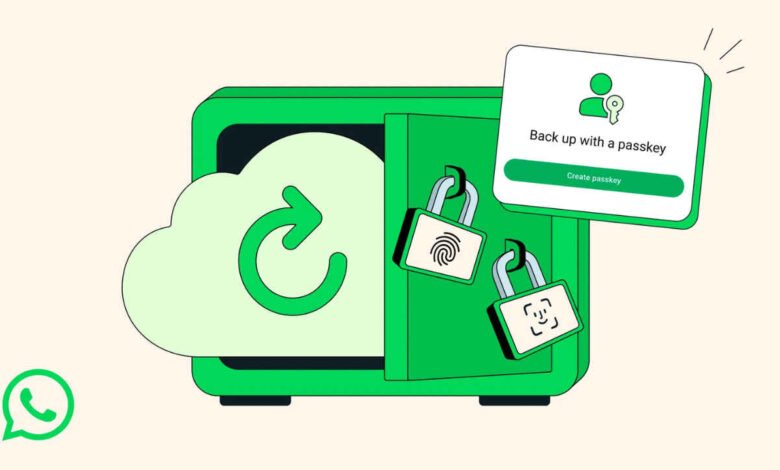
With growing concerns around data privacy, more users are now looking for secure ways to store their conversations and media. WhatsApp, one of the most widely used messaging platforms globally, offers an option to create encrypted backups that add an extra layer of protection to user data.
The platform allows users to back up chats, photos and videos in multiple ways, but enabling end to end encryption ensures that only the user can access the backup. Even cloud service providers cannot read the stored data, making it a reliable option for privacy conscious users.
To activate this feature on Android devices, users need to ensure their smartphone is running Android 9 or a newer version. Once that requirement is met, the process begins by opening WhatsApp and heading into the settings menu. From there, users can navigate to the chat section and select chat backup.
Inside the backup settings, an option for end to end encrypted backup appears. After selecting it, users can turn on the feature and create a passkey, which acts as a secure authentication method for accessing the backup. The app then guides users through a few simple on screen steps, after which the encrypted backup process begins automatically.


For those who prefer an alternative method, WhatsApp also provides the option to generate a 64 digit encryption key instead of a passkey. This key must be stored safely, as losing it could result in permanent loss of access to the backup.
On iPhone devices, the process is slightly different but equally straightforward. Users must ensure their device is running iOS 16 or later. After opening WhatsApp, they need to go to the profile section within settings, then access the chat backup option.
From there, users can initiate a backup and enable end to end encryption. Similar to Android, they will be prompted to create a passkey and follow the instructions shown on screen. Once completed, the backup will be secured and ready for storage.
This feature reflects a broader shift toward stronger privacy tools in messaging apps. By using passkeys for encrypted backups, WhatsApp gives users more control over their personal data, ensuring conversations remain private even when stored externally.