Easy Way to Pay Electricity Water and Mobile Bills Using Google Pay from Home
Digital payment apps have changed the way people handle everyday expenses, making bill payments faster, simpler and stress free while removing the need to stand in long queues or manage paper receipts

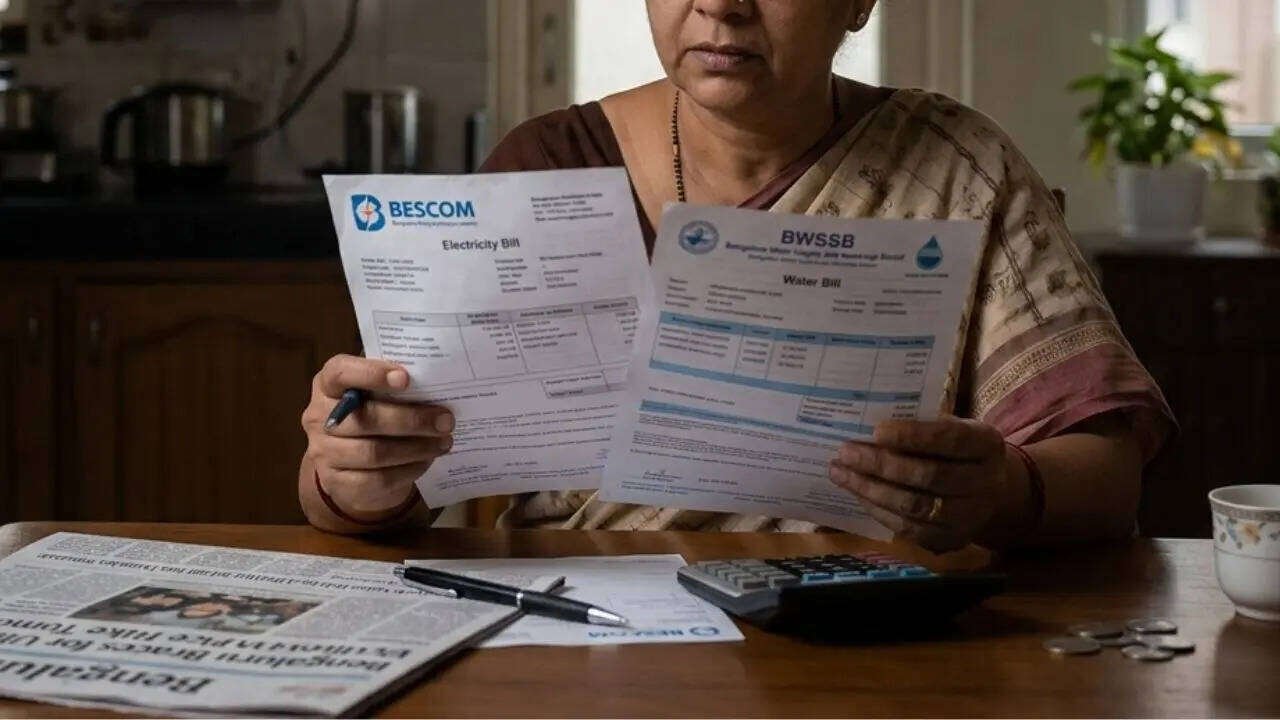
Paying household bills has become one of the most convenient uses of digital payment platforms today. What once required visiting collection centers and waiting in long lines can now be done within seconds from a mobile phone. Whether it is electricity, water, mobile recharge, broadband or DTH services, everything is now available through integrated apps that support UPI based transactions. This shift has made daily financial tasks much smoother for users.
Among several apps like Paytm, PhonePe, Amazon Pay and BHIM UPI, Google Pay stands out for its clean interface and simple navigation. Many users prefer it because it not only allows quick payments but also provides reminders for upcoming bills. The app is widely used for utility payments because of its reliable UPI integration and smooth transaction experience. It has become a practical choice for managing routine monthly expenses.
The process of paying bills through Google Pay is designed to be simple even for first time users. The journey begins by opening the app on an Android or iOS smartphone. From there, users can access the bill payment section where different categories such as electricity, water, gas, DTH and mobile postpaid services are listed clearly for selection.
After choosing the relevant category, the next step is to select the service provider. This could be a local electricity board, a telecom operator or a DTH service company. Once selected, users may need to enter details such as customer ID, account number or consumer number to link their bill account with Google Pay. After linking, the app often displays pending bill details automatically.


Before making the payment, users are advised to carefully verify the amount shown on the screen. Payment can then be completed using a preferred UPI method. Once the payment option is selected, entering the UPI PIN completes the transaction securely. Within moments, the app confirms that the payment has been successfully processed and a digital receipt is generated for reference.
One important thing users should remember is that although payment confirmation is instant, it may take up to three working days for the biller’s system to reflect the updated status. This delay is normal and depends on the service provider’s processing time.
Overall, Google Pay has made utility bill payments far more convenient than traditional methods. With just a few taps, users can manage essential services from anywhere, saving both time and effort in their busy daily routines.