
Google Photos AI Tool Can Sharpen Blurry Images in Seconds
Google Photos offers an AI powered Photo Unblur feature that helps improve blurry pictures by enhancing sharpness and details making old or unclear photos look noticeably better with simple steps.

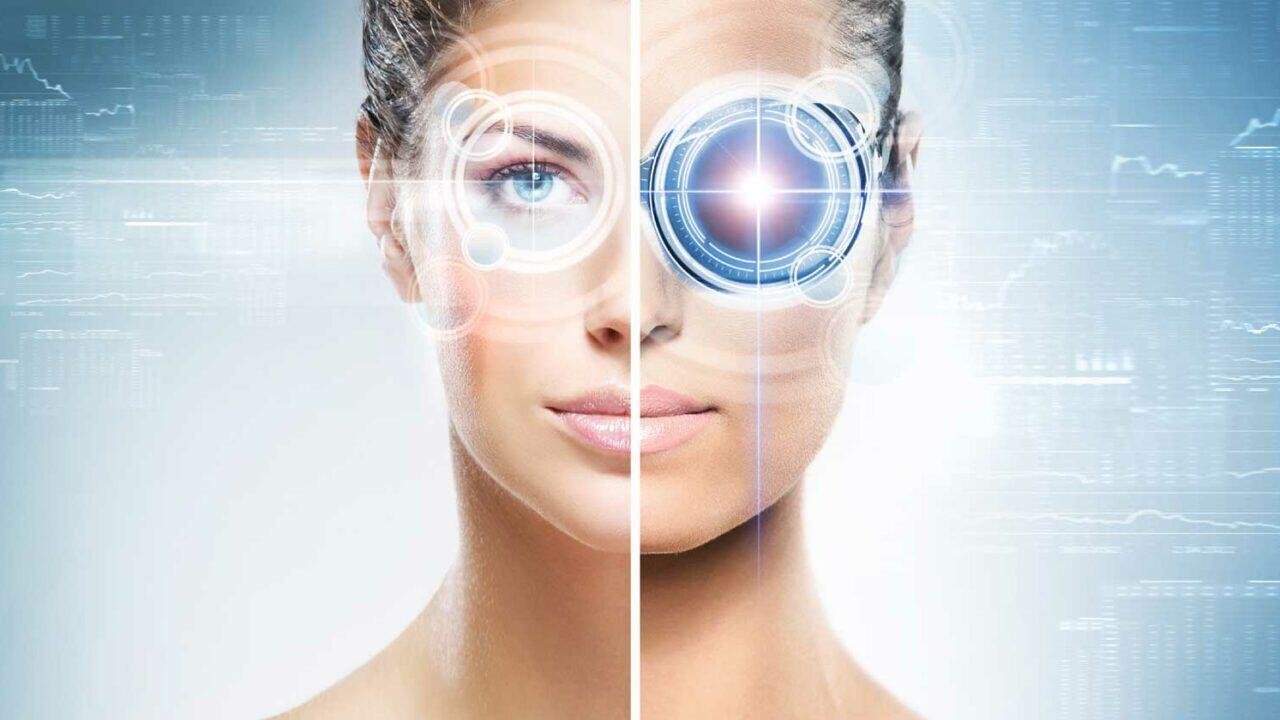
Smartphone cameras have improved significantly over the years, but blurry photos still remain a common problem for many users. Sometimes images lose clarity because of shaky hands, poor focus or low lighting conditions. In such situations, people often depend on third party editing apps to fix their pictures. However, many users may not realize that Google Photos already includes a built in AI feature designed specifically to improve blurry images.
The feature, called Photo Unblur, uses artificial intelligence technology to analyze image details and enhance sharpness automatically. It works especially well on photos with mild to moderate blur and can often make pictures appear cleaner and more detailed without requiring advanced editing skills.
Google Photos processes the image using AI algorithms that attempt to recover visible details from unclear areas. While the feature may not completely restore every heavily blurred photo, users have reported noticeable improvements in many cases, particularly for old memories and low quality snapshots.
Using the Photo Unblur feature is a simple process. Users first need to open the Google Photos application on their smartphone and select the picture they want to improve. After opening the image, they can tap on the Edit option available at the bottom of the screen. Inside the editing panel, the Tools section contains the Photo Unblur feature.


Once selected, Google Photos starts AI processing for a few seconds before showing a preview of the enhanced image. If the result looks satisfactory, users can save the edited version by choosing Save Copy or Save. The original image remains unchanged unless users overwrite it manually.
The company notes that the feature may not be available on every smartphone or in all regions. Google gradually rolls out AI editing tools across different devices and software versions. In some cases, access to advanced editing features may also depend on a Google One subscription plan.
Experts say AI powered photo editing is becoming increasingly popular because it allows users to improve image quality without needing professional software. Features like Photo Unblur are especially useful for restoring treasured family photos or improving pictures captured in difficult conditions.
Users who cannot find the feature inside the app are advised to update Google Photos to the latest version through the app store. In many cases, the newest update enables access to recently introduced editing tools and AI enhancements.
For anyone holding onto blurry but memorable pictures, Google Photos offers an easy and convenient solution. With just a few taps, users can give their favorite images a clearer and more polished appearance without relying on external applications.