How to Enable Two Factor Authentication on Instagram for Stronger Account Security
Instagram users can significantly improve account safety by activating two factor authentication, which adds an extra verification step during login and helps protect accounts from unauthorized access and hacking attempts.

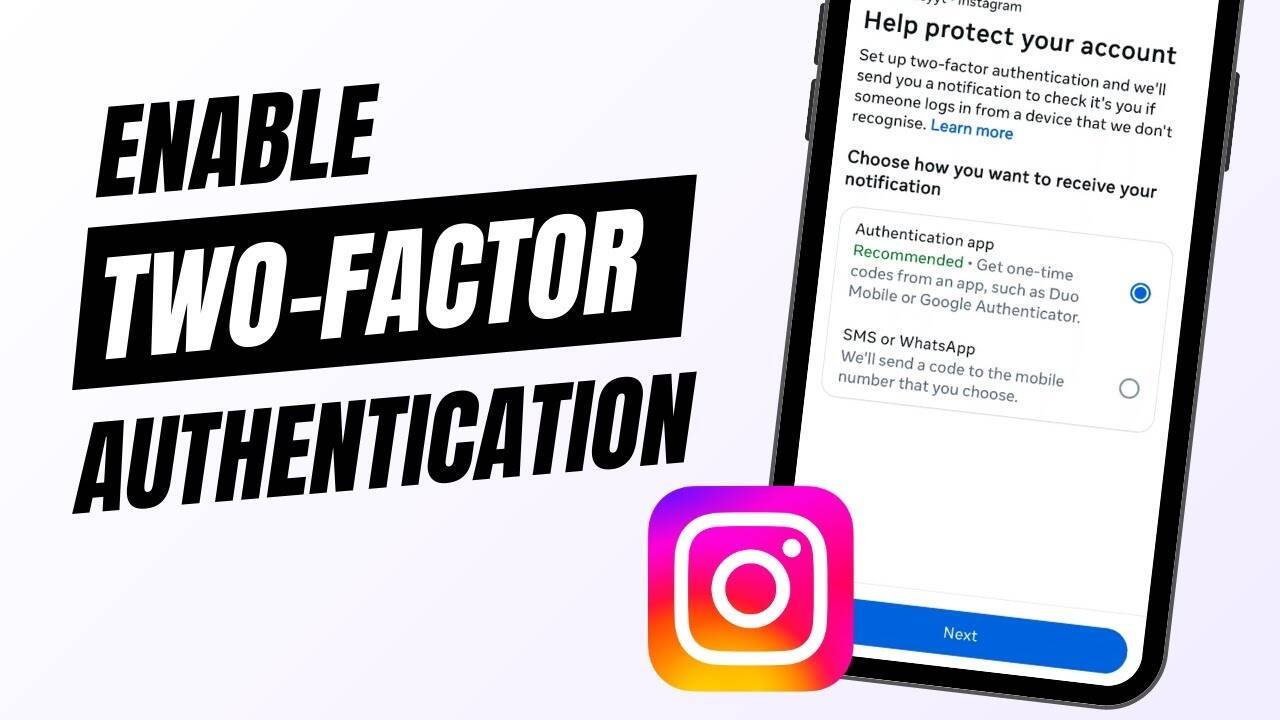
Instagram has become one of the most widely used social media platforms across the world, especially for short videos, photos, and daily updates. With millions of users actively sharing content, account security has become more important than ever. Relying only on a password is no longer considered safe, which is why Instagram offers a stronger protection feature called two factor authentication.
Security experts say this feature adds an additional layer of safety by asking users to verify their identity every time they log in from a new device. Even if someone knows your password, they cannot access your account without the verification code. This makes it much harder for hackers to break into personal profiles.
To activate this feature using an authentication app, users first need to open the Instagram application and log in to their account. From there, they must tap their profile picture located at the bottom right corner of the screen to open their profile page. After that, the menu icon in the top right corner should be selected to access settings and activity options.
Inside the settings, users will find the Accounts Center option, which brings together all Meta related account controls. From there, tapping on Password and Security leads to the two factor authentication settings. Users then need to choose the specific account they want to protect and proceed by selecting the authentication method.


If choosing the authentication app method, Instagram will guide users to install a third party authentication app if it is not already installed. The app generates a secure six digit code that changes frequently. Users can either scan a QR code or manually enter a setup key to link their Instagram account. Once connected, the app will generate login codes whenever required.
For those who prefer a simpler method, Instagram also allows two factor authentication through SMS or WhatsApp. The setup process begins the same way by opening the Accounts Center and selecting Password and Security. After choosing two factor authentication, users must select the SMS or WhatsApp option and enter their mobile number.
Once the number is verified, Instagram sends a six digit code through WhatsApp or SMS. Users simply enter this code into the app to complete the setup. After activation, every login attempt will require a fresh verification code sent to the registered number.
Experts suggest enabling this feature for all users, especially those who use Instagram frequently or store personal content on their accounts. It significantly reduces the risk of hacking and unauthorized access, making the platform safer for everyday use.